01ONE INTEGRATION
One integration — many options
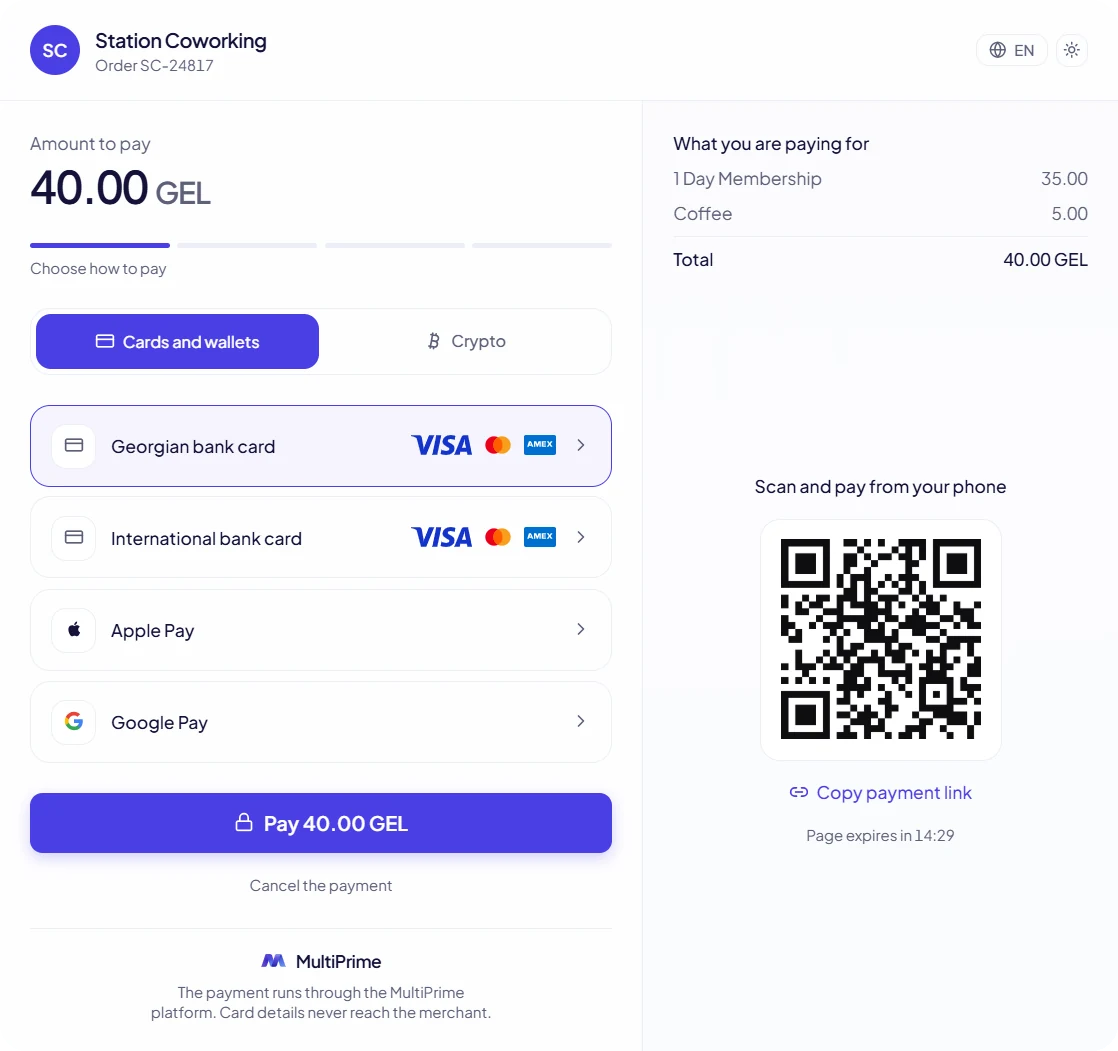
One payment page for every way your customer pays. Card details never reach the merchant.
02PAYMENT METHODS
What your customer sees
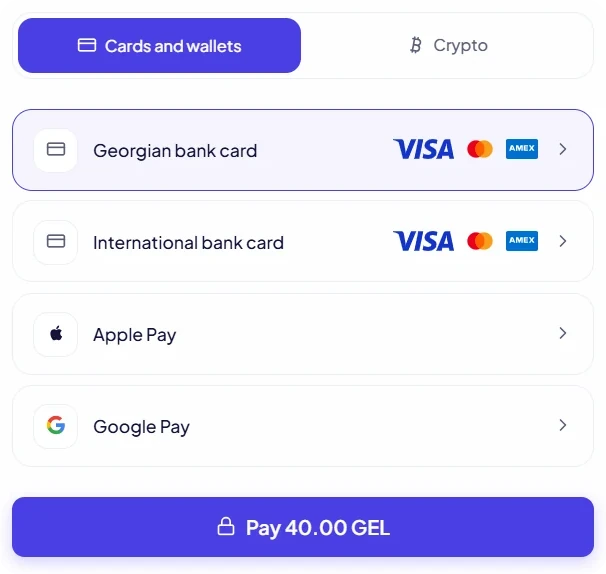
Cards
Georgian and international bank cards
The customer picks a card on the MultiPrime payment page and pays.
- Visa, Mastercard and American Express
- The payment runs through the MultiPrime platform
- Card details never reach the merchant
Apple Pay and Google Pay
Payment in one tap
Apple Pay and Google Pay sit on the same payment page, next to cards.
- One tap from the phone
- No card details to type
QR and payment link
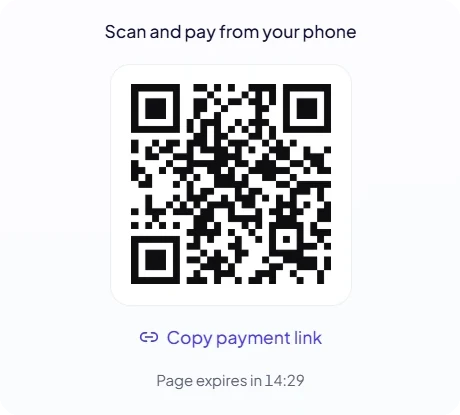
Scan and pay from the phone
Every payment page has a QR code and a link you can share.
- The customer scans the code and pays from their phone
- Copy the payment link and send it in any chat
- The page shows how long it stays open
Open banking
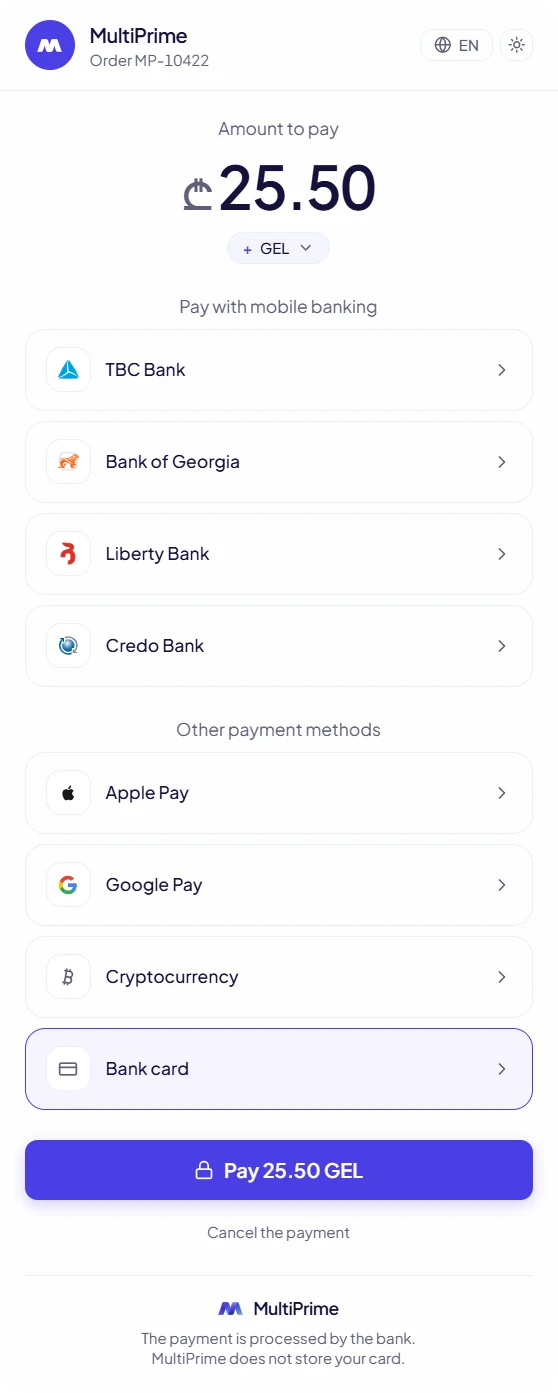
Paid straight from the bank app
The customer chooses their bank and confirms the payment in the bank app.
- No card details to type
- MultiPrime does not store the card
Pay by link and invoices
Get paid with a link
Create an invoice in the merchant dashboard and send the payment link to your customer.
- Invoices are created directly from the panel
- The link opens the same payment page with every method
03QUESTIONS
Good to know
- ₾ GEL
- $ USD
- € EUR
Currencies you can accept.
Do card details reach my website?
No. The payment runs through the MultiPrime platform. Card details never reach the merchant.
Which currencies can I accept?
GEL, USD and EUR.
How do I connect?
Register in the merchant dashboard, pass KYC verification and connect the payment page to your website.
Accept every way to pay
One integration, one payment page, one dashboard.